
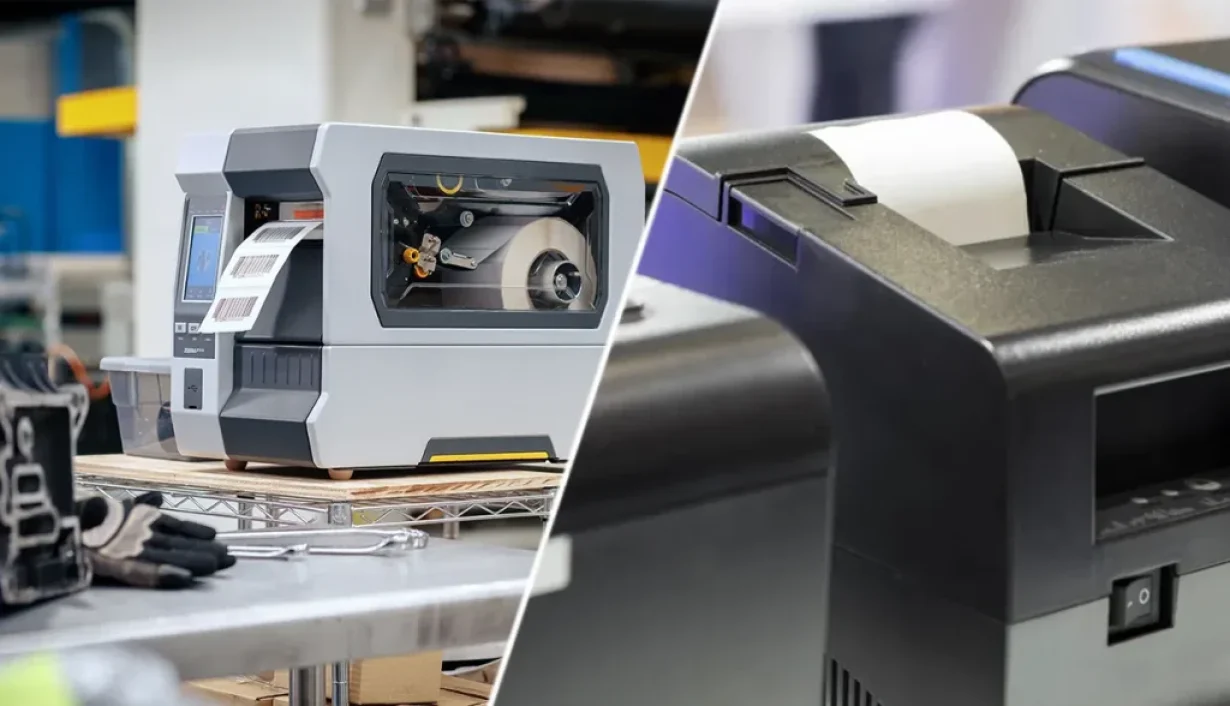

At first glance, an RFID tag printer and a regular label printer may seem similar because both can print text, barcodes, and other information on labels. However, they serve different purposes. A regular label printer only prints visible information, while an RFID tag printer can print the label and encode data into its embedded RFID chip. Understanding this difference can help businesses determine whether they need conventional labels or RFID-enabled labels for inventory, asset tracking, logistics, and other applications.
1. What Is a Regular Label Printer?

A regular label printer is designed to produce conventional printed labels. Depending on the printer and label material, it can print information such as:
- Product names and descriptions
- Serial numbers
- Barcodes and QR codes
- Shipping information
- Logos and other graphics
However, a regular printer does not communicate with an RFID inlay. Even if an RFID label physically passes through the printer, the printer can only print on its surface. It cannot write information to the RFID chip embedded inside the label.
2. What Is an RFID Tag Printer?
An RFID tag printer combines conventional label printing with RFID encoding. In addition to printing visible information, it communicates with the RFID inlay inside a compatible label and writes digital data to the chip.

For example, an RFID label could contain:
- A product name printed on the surface
- A barcode for visual scanning
- An EPC number encoded in the RFID chip
The printed information can be read by people or barcode scanners, while the RFID data can be captured wirelessly by an RFID reader. This combination is particularly useful when businesses need to identify and track large numbers of individual items without relying entirely on line-of-sight barcode scanning.
3. RFID Tag Printer vs. Regular Label Printer: Key Differences
The most important difference is not the printing function itself. Both types of printers can produce printed labels. The difference is whether the printer can also interact with the RFID inlay.
| Feature | Regular Label Printer | RFID Tag Printer |
| Print text and graphics | ✓ | ✓ |
| Print barcodes and QR codes | ✓ | ✓ |
| Encode RFID chips | ✗ | ✓ |
| Write unique RFID data | ✗ | ✓ |
| Verify RFID encoding | ✗ | ✓ |
| Produce RFID-enabled labels | ✗ | ✓ |
| Suitable for RFID tracking | Limited | ✓ |
3.1 Printing vs. RFID Encoding

A regular label printer transfers visible information onto the label surface. It does not interact with the electronic components inside an RFID label.
An RFID tag printer, on the other hand, can encode information into the RFID chip while printing the label. Depending on the application, this may include a unique EPC or other identification data. This makes the RFID tag printer more suitable for applications where each physical item needs its own digital identity.
3.2 Manual Scanning vs. Wireless Identification
Traditional labels are often used with barcode scanners. The scanner generally needs to capture the printed barcode, which means the label must be visible and accessible.
RFID tags work differently. Once data has been encoded, RFID readers can identify tags wirelessly without requiring the barcode to be directly visible. The printer itself does not replace the RFID reader. Instead, it prepares the RFID tags by printing their visible information and encoding the electronic identification data they will later use.
3.3 Conventional Labels vs. RFID Labels
Regular label printers are designed for conventional printable media. An RFID tag printer requires compatible RFID labels that contain an RFID inlay.
The label construction, inlay position, size, and material can all affect printer compatibility and encoding performance. Therefore, businesses should select RFID labels based not only on their application but also on the requirements of the printer.
3.4 Printing Only vs. Printing and Encoding in One Workflow
With a regular label printer, printing is the primary operation. With an RFID tag printer, printing and encoding can be integrated into the same workflow. This reduces the need to handle labels between separate printing and encoding steps. If you’re comparing an RFID printer with a standalone RFID encoder, see our RFID Printer or Encoder: A Buyer’s Guide to RFID Tag Encoding for a detailed comparison.
For businesses producing large quantities of RFID labels, this can simplify operations and reduce opportunities for mismatches between the printed information and the RFID data.
4. When Do You Need an RFID Tag Printer?
Not every business needs an RFID tag printer. If you only need product labels, shipping labels, or barcode labels, a conventional printer may be sufficient.
An RFID tag printer becomes more useful when your workflow requires RFID-enabled identification.

You may want to consider one if you:
- Need to print and encode large quantities of RFID labels
- Assign a unique RFID identifier to individual products or assets
- Need both printed and electronically stored identification data
- Want to automate RFID label preparation
- Need to connect physical labels with inventory or asset management systems
- Use RFID readers to track products, cartons, assets, or other items
If your operation only requires printed information and barcode scanning, purchasing an RFID printer may add unnecessary cost and complexity.
5. What RFID labels Can Be Used with an RFID Tag Printer?
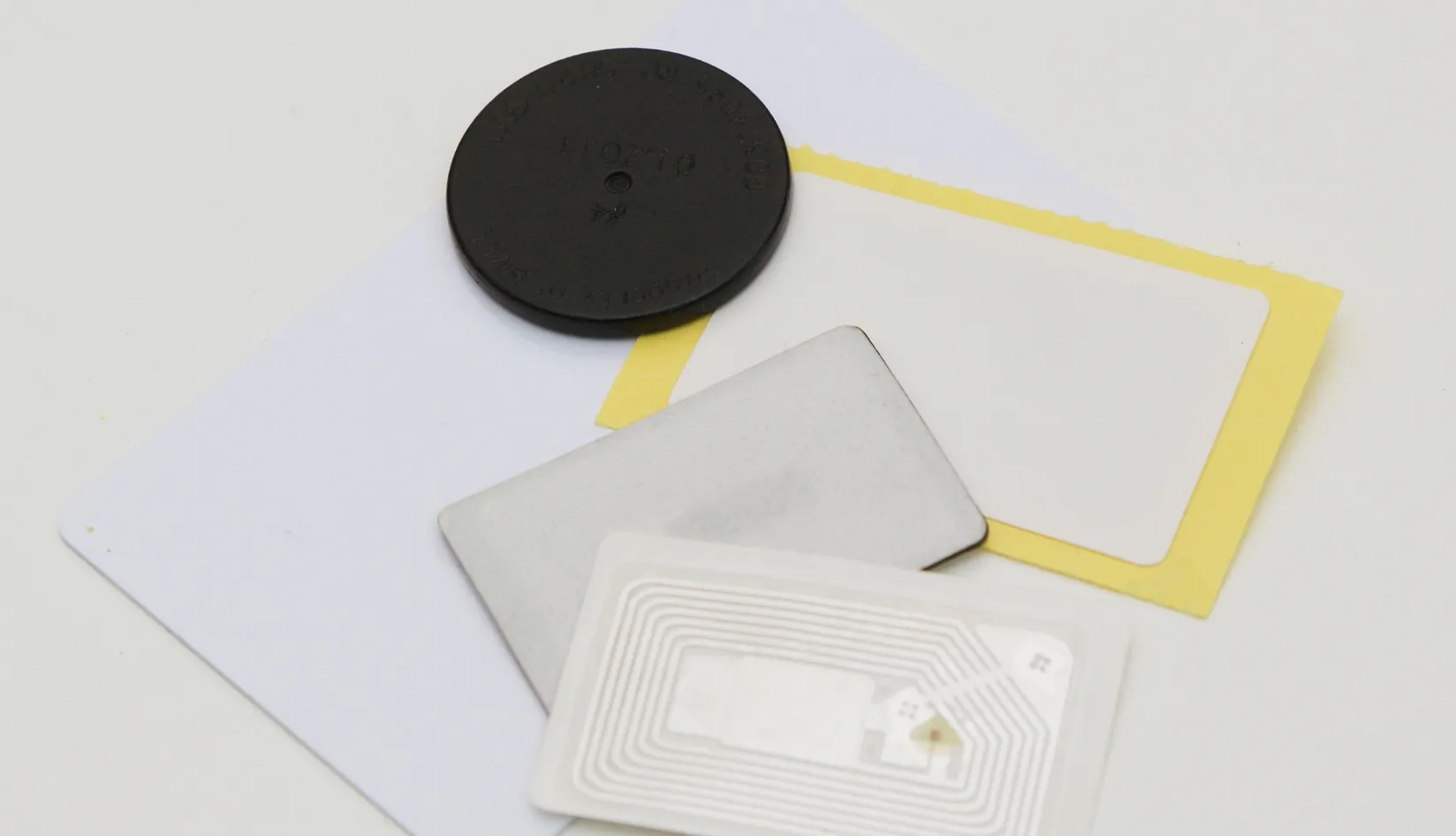
An RFID printer cannot necessarily print and encode every type of RFID tag. The RFID media must be compatible with the printer’s printing mechanism and RFID encoding system. For common UHF RFID applications, printable RFID labels may use different materials, sizes, and RFID inlays depending on the intended application.
When selecting RFID labels, consider:
5.1 Label Size

The dimensions of the RFID label should be compatible with the printer and the intended application. Smaller tags may require more careful positioning of the RFID inlay within the printable area.
5.2 RFID Frequency and Protocol
The tag must use a frequency and protocol supported by the printer’s RFID module. For UHF applications, compatibility with standards such as EPC Class 1 Gen 2 and ISO/IEC 18000-6C is important.
5.3 Inlay Design
Different RFID inlays have different antenna designs and performance characteristics. The inlay should be compatible with the printer’s encoding system and the intended reading environment.
5.4 Label Material
Paper, synthetic materials, and other printable substrates can be used for different applications. The material should be suitable for the printing method as well as the environment in which the finished RFID label will be used.
In other words, choosing an RFID printer and choosing RFID tags should be treated as part of the same system rather than two completely independent decisions.
6. Conclusion
For businesses implementing UHF RFID, choosing a printer that matches the required tags, encoding standards, print volume, and application is essential. Our UHF RFID Printer provides a practical integrated option for printing and encoding UHF RFID labels in a single workflow.



 EN
EN  ES
ES  JA
JA